Process Viewer
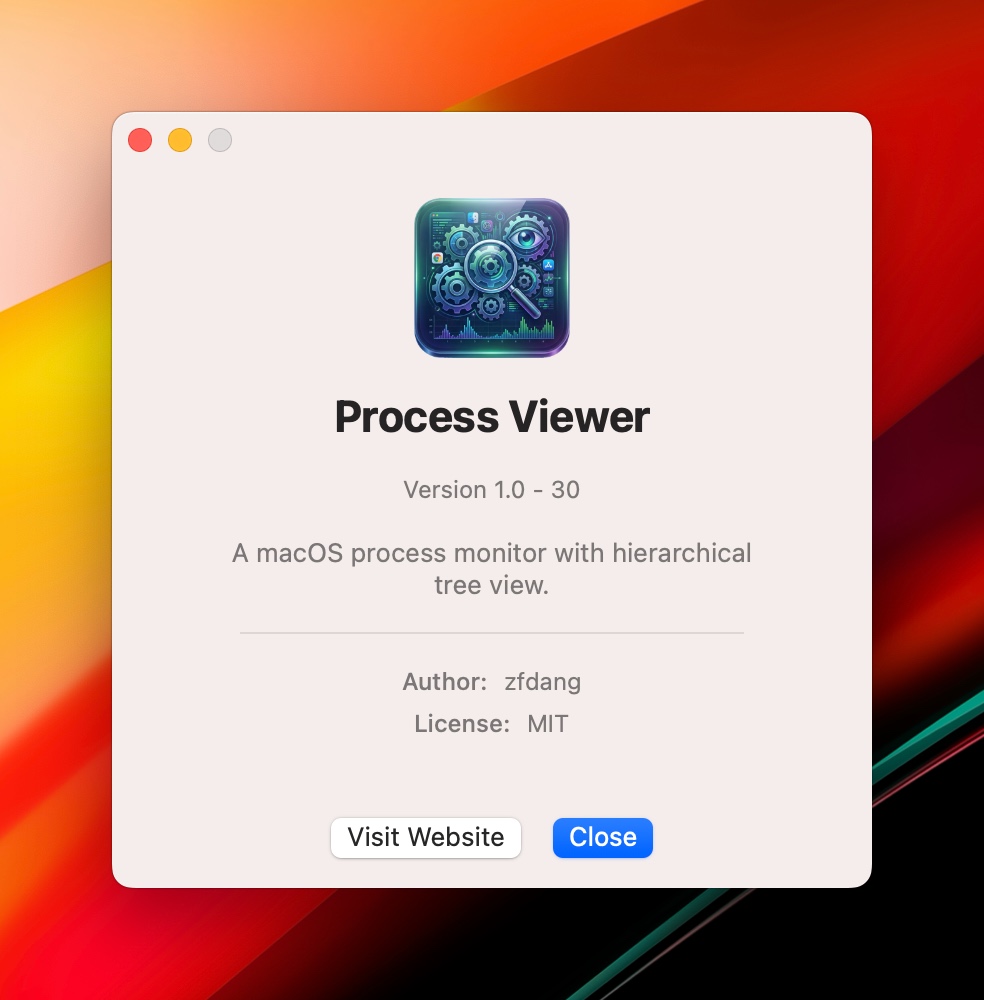
A native macOS application for viewing and monitoring system processes with a hierarchical tree display.


A native macOS application for viewing and monitoring system processes with a hierarchical tree display.
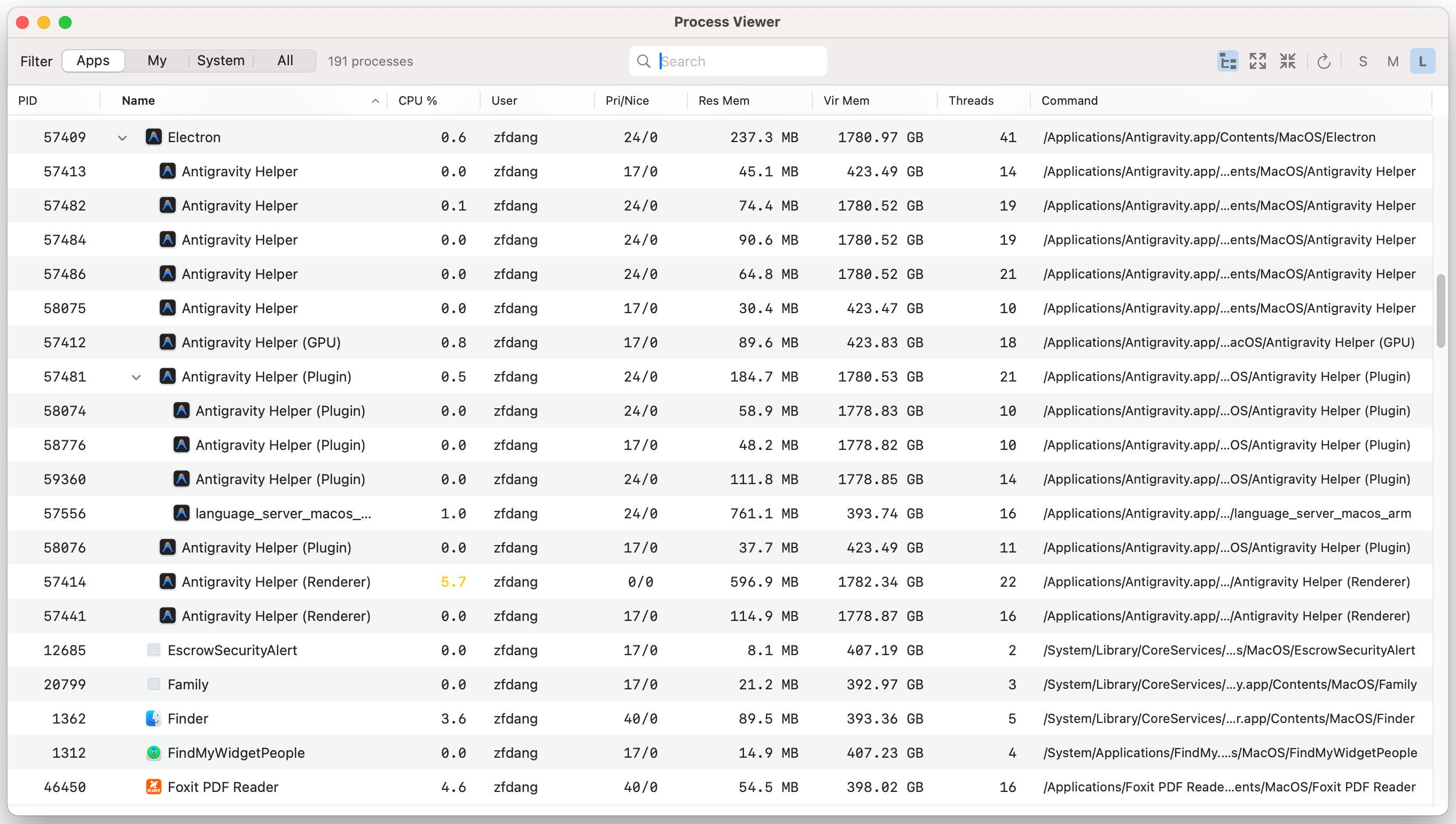
View processes in a parent-child tree structure, making it easy to understand process relationships.
Toggle between hierarchy and flat list view for different perspectives on your processes.
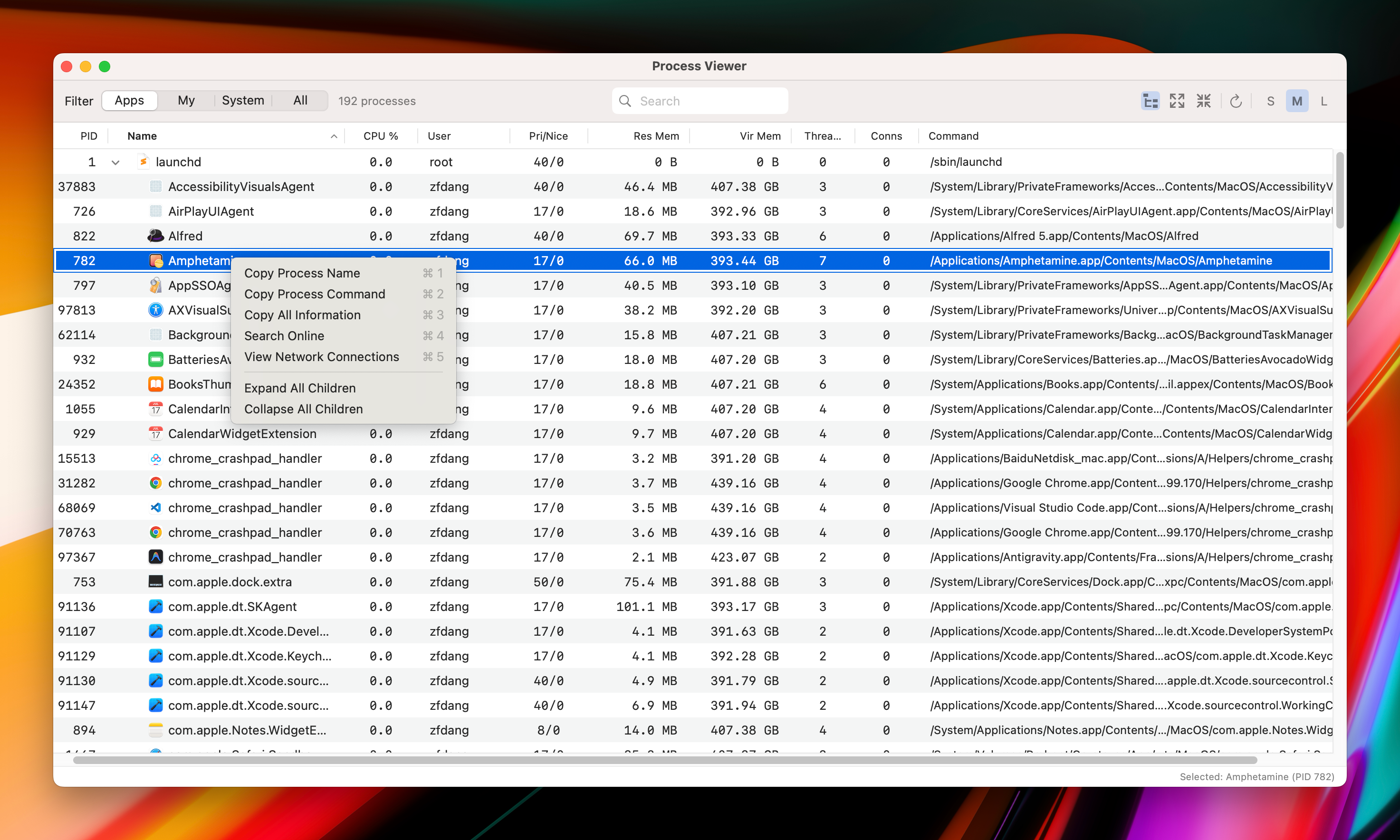
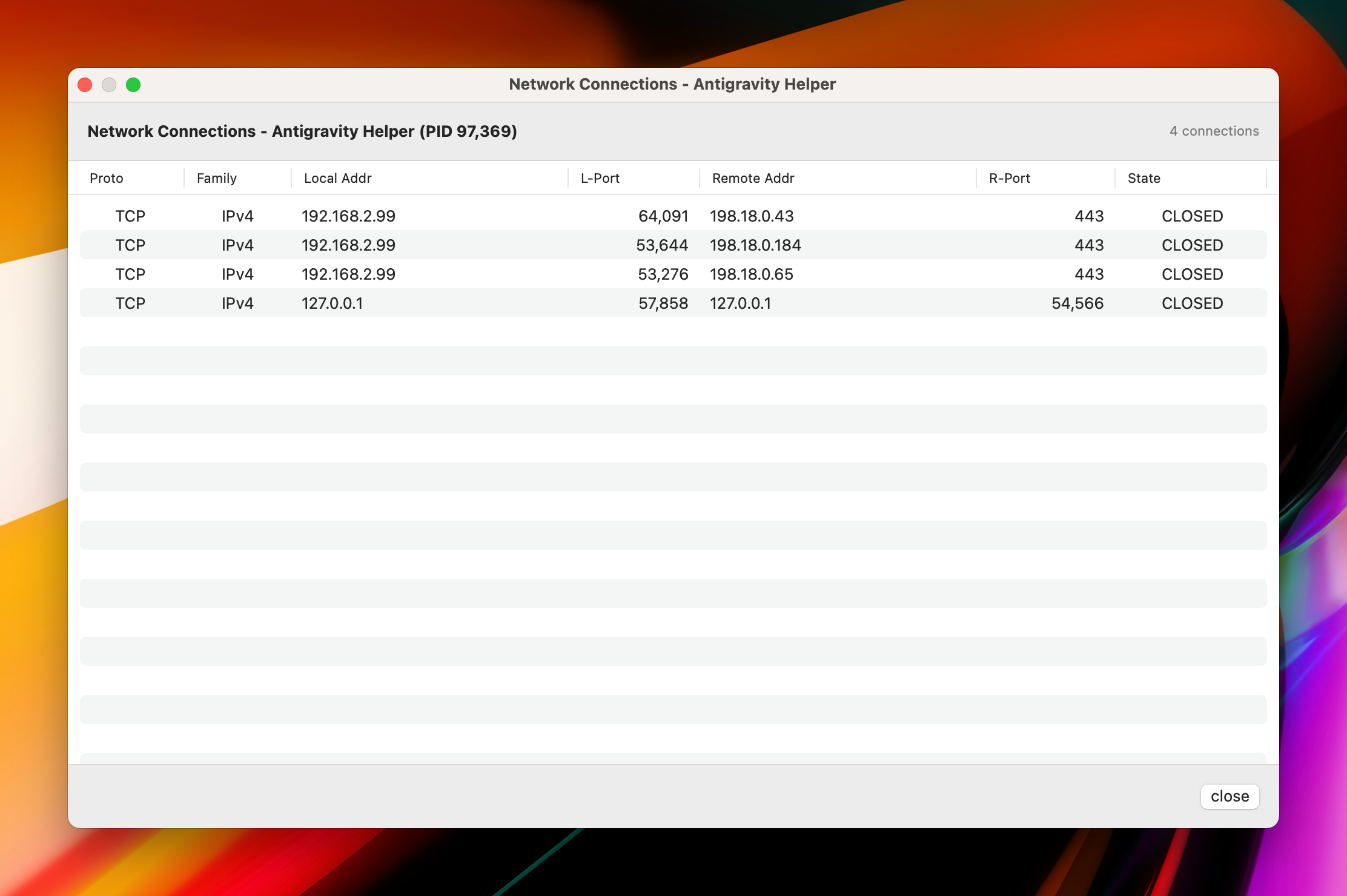
View active network connections for any process, including local/remote addresses and ports.
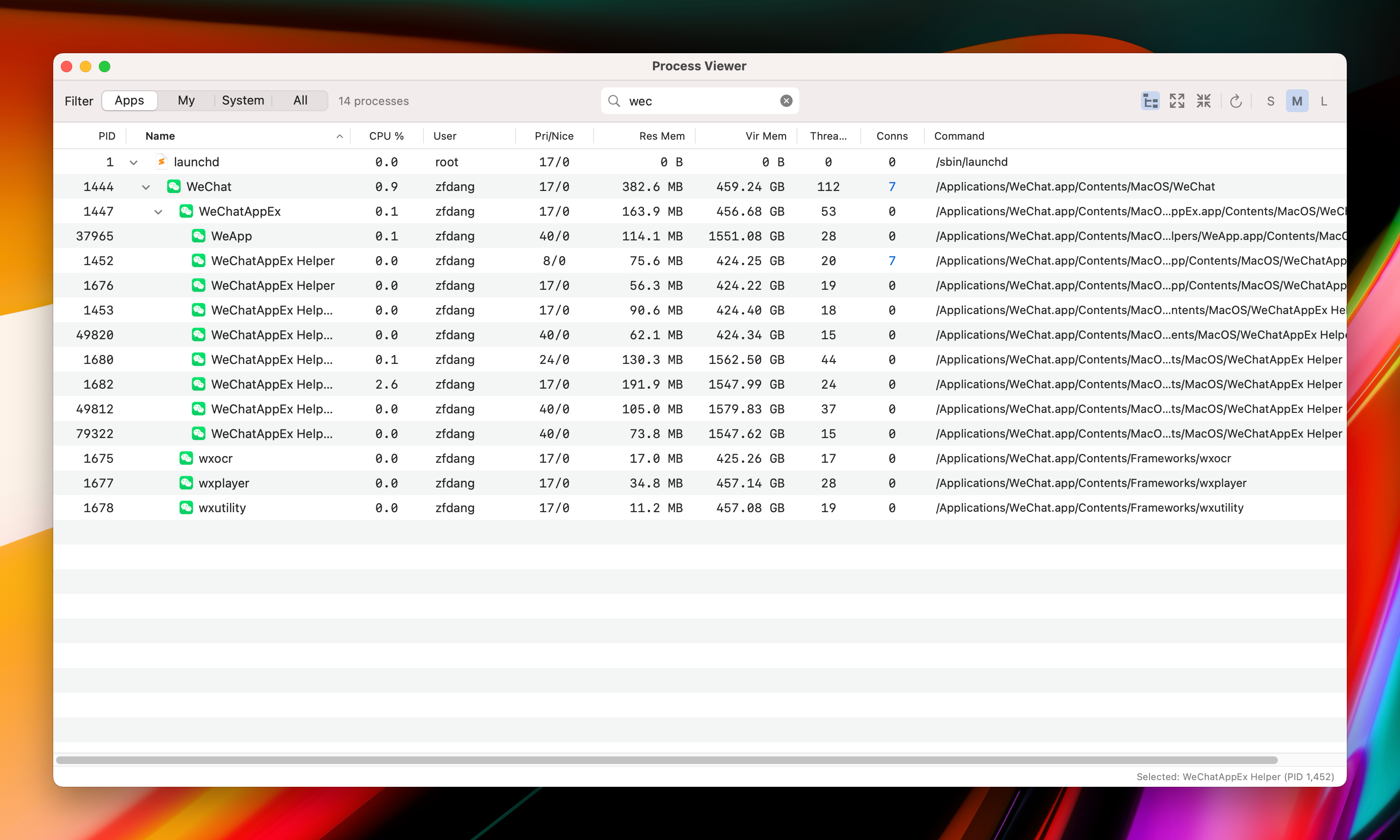
Instantly search by process name, command, or PID with real-time filtering.
Choose between Small, Medium, or Large row heights for comfortable viewing.
Automatic 5-second refresh with smart state preservation for scroll, selection, and expansion.
Displays application icons for .app processes, making identification easier.
Click column headers to sort by PID, Name, CPU, Memory, and more.
| PID | Process ID |
| Name | Process name with app icon |
| CPU % | CPU usage (color-coded) |
| Connections | Active network connection count |
| User | Owner username |
| Pri/Nice | Priority and nice value |
| Res Mem | Resident memory usage |
| Vir Mem | Virtual memory usage |
| Threads | Thread count |
| Command | Full executable path |
| macOS | 13.0 or later |
| Xcode | 15.0+ (for building) |
| License | MIT |
| Language | Swift 5.0 |
| Framework | SwiftUI + AppKit |
Go to the Releases page and download the latest DMG or ZIP file.
Open the DMG and drag "Process Viewer" to your Applications folder, or extract the ZIP file.
Right-click the app and select "Open" (first time only, to bypass Gatekeeper since the app is not notarized).